
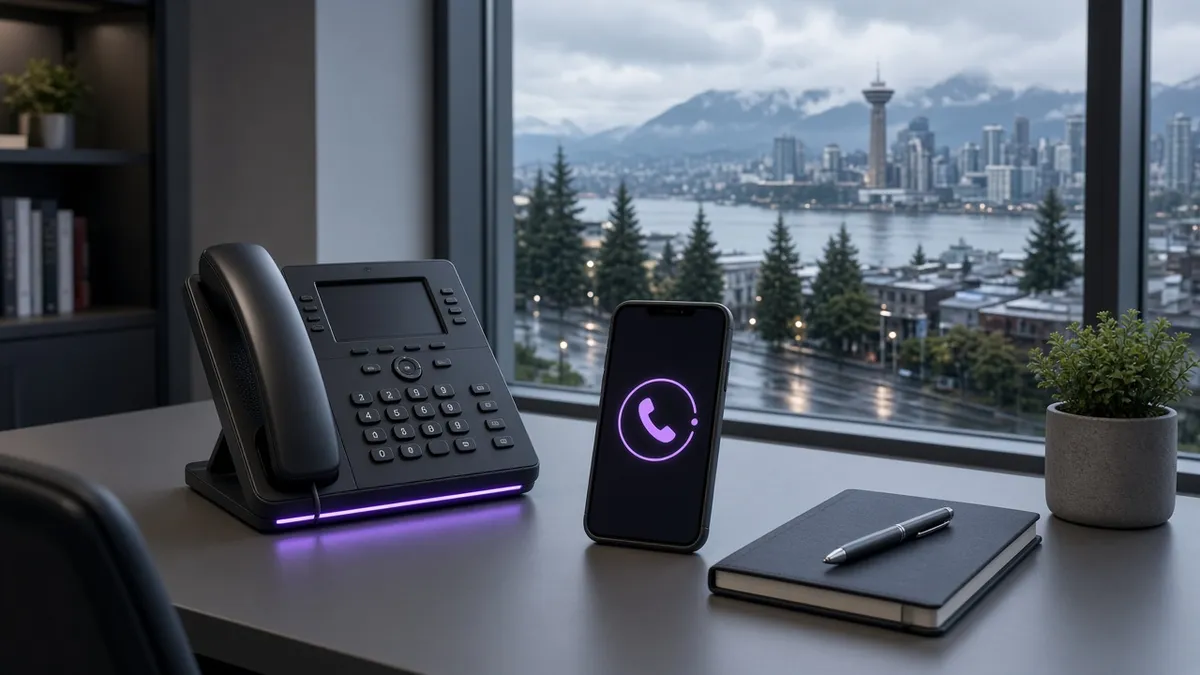
Never Miss Another Call: How an AI Phone Receptionist Works for Vancouver Small Businesses
If you run a clinic, trade business, brokerage, or professional practice in Metro Vancouver, inbound calls are rarely “just calls.” They are people ready to book, ask a serious question, or choose between you and the next listing on Google.
The problem is timing. Staff are with clients. Crews are on site. Prospects research after 6 p.m. Voicemail does not close that gap — and many callers will not leave a message. They dial the next business that picks up.
An AI phone receptionist is one way to close that gap without staffing a night shift. Here is what it actually does, how it connects to your calendar and CRM, and how to decide if it fits your operation.
What an AI phone receptionist is (and is not)
It is a voice agent on your existing business line (or a forwarded overflow line) that can:
- Answer within a couple of rings, day or night
- Ask structured intake questions you define (service area, urgency, what they need)
- Qualify based on rules you set — not guesswork
- Check live calendar availability and book when that is allowed
- Write a contact record, notes, and often a transcript into your CRM
- Send a confirmation SMS or email so the caller is not left wondering
- Escalate to a human when the conversation needs a person
It is not a replacement for clinical judgment, legal advice, or high-stakes sales conversations. Those should route to staff. Good systems make that handoff fast and clear.

Why missed calls hurt local businesses specifically
Three patterns show up again and again across BC service businesses:
- Busy periods — Your team is delivering the work. Callers hit hold or a full mailbox and leave.
- After hours — Many high-intent searches happen outside office hours. A recording asking for a detailed voicemail rarely converts.
- Local competition — Someone who found you on Google often has two other numbers open. Speed to a real conversation matters.
You do not need dramatic statistics to see the issue. Look at your own call log for a week: unanswered, abandoned, and after-hours. That list is your opportunity map.
How the workflow usually works
A practical setup looks like this:
- Call comes in — Either live answer or conditional forward (busy, no answer, after hours) keeps your 604 / 778 / 236 number.
- Intent and intake — The agent confirms who is calling, what they need, and whether they are in your service area.
- Qualification — Rules you approved (timeline, service type, urgency) decide book vs callback vs transfer.
- Booking — If calendars are connected (Google, Outlook, or your CRM calendar), it offers open slots and writes the appointment.
- CRM write-back — Contact, tags, notes, and transcript land where your team already works.
- Follow-up — Confirmation text or email goes out; your team gets a brief summary.
The value is not “a robot that talks.” The value is structured intake tied to the same systems you already use to sell and deliver.
Where it fits well in Vancouver and BC
These situations are strong fits:
- Clinics and practices with high call volume and limited front-desk coverage
- Trades and field teams who cannot answer while on a job
- Brokerages and sales teams who need fast response on ad and yard-sign calls
- Multi-location or multi-line setups that need consistent FAQ answers
Industry-specific rules matter. Patient triage, emergency dispatch, and compliance-heavy verticals need carefully designed prompts, escalation paths, and integrations — not a generic script.
AI receptionist vs a traditional answering service
Both can pick up the phone. The practical differences for most owners are:
| Question | What to look for |
|---|---|
| Does data land in my CRM automatically? | Prefer direct sync over emailed note summaries |
| Can it book into my real calendar? | Live availability beats “someone will call you back” |
| What happens at 11 p.m. or on a holiday? | True 24/7 coverage vs shift gaps |
| Can two callers hit at once? | Concurrent handling matters during campaigns |
| How does a human take over? | Warm transfer + context beats a cold callback list |
Use that table when you evaluate options. Ask for a dry-run on your FAQs and booking rules before you forward live traffic.
What setup usually involves
A responsible rollout is not “flip a switch.” Expect:
- A short audit of call flow, FAQs, booking policies, and escalation rules
- Voice persona and local wording that match how your team actually speaks
- Calendar and CRM connections tested with simulated calls
- A monitored launch, then ongoing prompt and schedule tweaks
Keep your existing numbers. Conditional forwarding is usually enough: unanswered, busy, or after-hours traffic routes to the agent; your team stays primary during the day if you want.
Privacy and trust (Canada)
If you serve clients in BC, ask how voice data and transcripts are stored and whether processing aligns with PIPEDA and BC’s PIPA. Callers should know they are speaking with an AI when that is required by your policies, and sensitive topics should escalate to people.
Trust is the product. Clear scripts, accurate FAQs, and fast human handoff protect it.
Is it right for you?
It is worth a serious look if:
- You can point to missed or after-hours calls every week
- Booking or lead entry is manual and slow
- Your FAQs are stable enough to document
- You have (or can connect) a calendar and CRM
It may be early if you have almost no inbound calls, no defined services or pricing boundaries to teach the system, or no one to own escalations.
Next step
If this is something you want to simplify, send me a message and we’ll map out what makes sense for your business. You can also see how we help with AI phone reception for small businesses.
— Simon, SMA Ventures


