
Branded Short Videos Without a Film Crew: A Simple Monthly System for Vancouver Businesses
You know video helps. Customers want to see your space, your work, and the person behind the business before they book. But between serving clients, answering messages, and running the books, filming something new every week feels impossible.
The good news: you do not need a film crew, expensive gear, or a daily posting habit to show up consistently. Many Vancouver small businesses get steady results from a simple monthly system that takes a few focused hours.
Here is how it works.
Why short videos work for local businesses
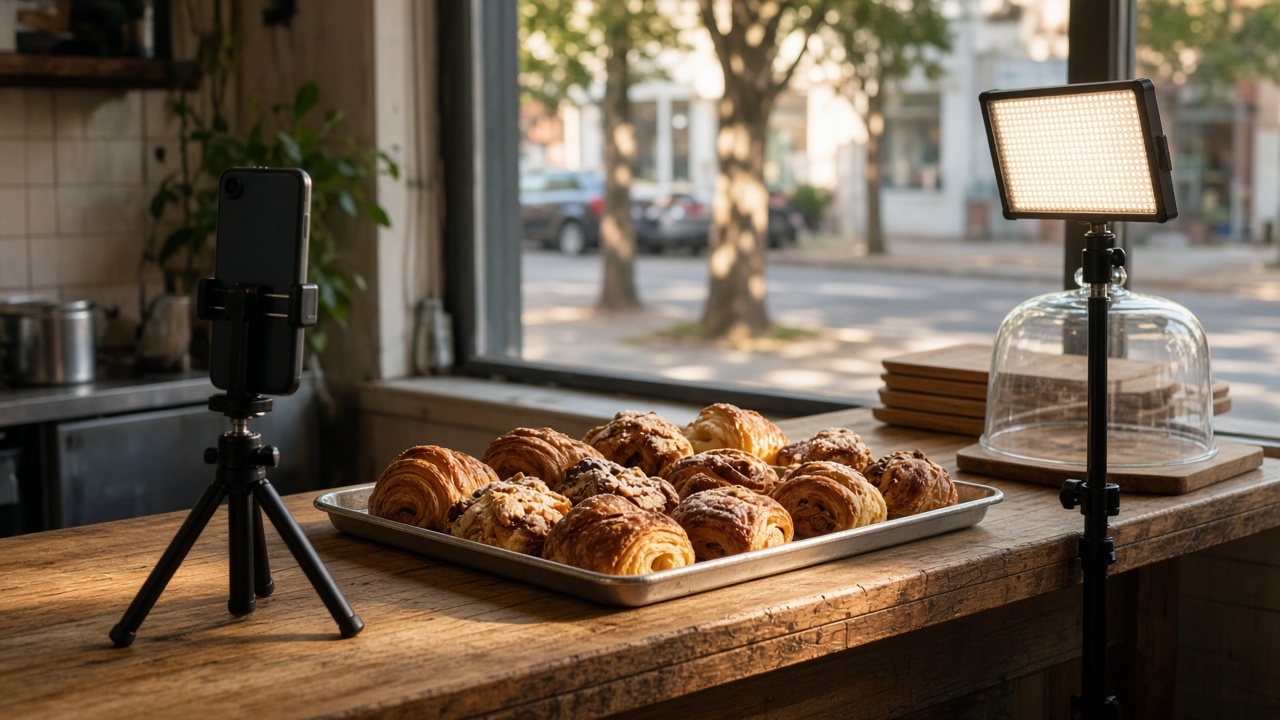
A short video is usually 15 to 60 seconds, filmed vertically so it fills a phone screen. It is how a lot of people discover local shops, studios, and services now. A quick clip of a Main Street bakery pulling croissants from the oven, or a Burnaby physio explaining one stretch, can do more than a long ad.
Short videos work because they feel personal. People get a sense of who you are and what it is like to work with you, before they ever call.
The simple monthly content system
Instead of scrambling for something to post every day, you plan once, film once, and publish all month.
Step 1: One planning session (about an hour)
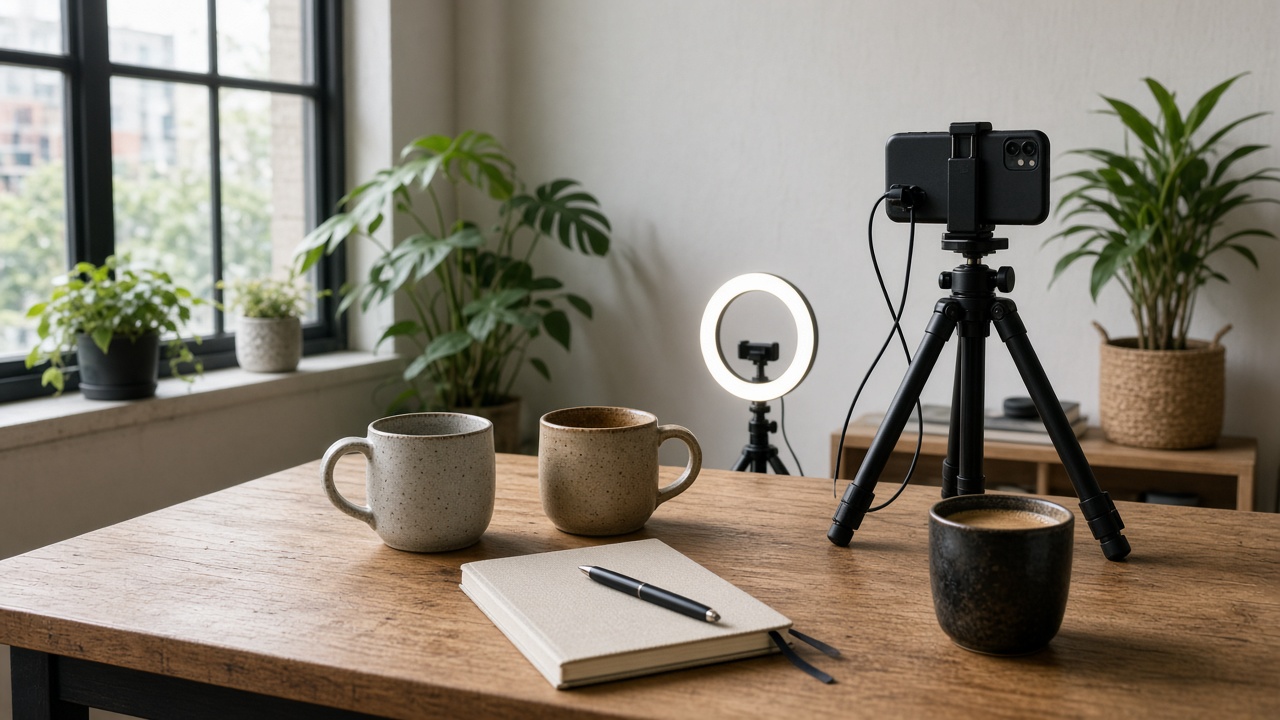
Sit down once a month with a coffee and a notebook. Write down:
- Three to five topics your customers ask about most. These are your best video ideas.
- One thing happening this month, like a seasonal service, a new product, or a local event.
- One behind-the-scenes moment, such as setting up in the morning or a finished project.
For each idea, jot a one-line hook. A hook is the first sentence that makes someone stop scrolling, like "Three things to check before booking a renovation in North Van."
Step 2: Batch filming (two to three hours)
Batch filming means recording many videos in one session instead of one at a time. Pick a quiet morning, set up once, and work through your list.
- Use a phone on a small tripod near a window for soft, natural light.
- Wear one or two outfits so you can make it look like different days.
- Film each idea two or three times. Pick the best take later.
- Grab extra short clips (called b-roll): hands at work, products, your storefront, the view outside. These make editing much easier.
Step 3: Templates that keep you on brand
Your videos should look like they belong together. Create a few simple templates and reuse them every month:
- The same two or three brand colours for any text on screen.
- One or two fonts, used consistently.
- A short intro or ending frame with your logo or business name.
- A similar framing and background, so people recognize you instantly.
Once these are set, editing becomes a matter of dropping in new clips rather than designing from scratch.
Turn one shoot into many clips
Repurposing means getting more than one piece of content out of the same footage. One good filming session can easily become a full month of posts:
- A two-minute explainer can be cut into three or four short tips.
- The best line from a video can become a quote graphic or a still image.
- B-roll clips can be paired with a different caption for a fresh post.
- A longer clip can go on your website or in an email newsletter.
A Kitsilano yoga studio, for example, might film one session explaining a beginner class. That one shoot can become a welcome video for the website, three short tips for social media, and a clip for the new-member email.
Always add captions
Many people watch videos with the sound off, on the SkyTrain, in a waiting room, or late at night. Captions (the words on screen) let them follow along anyway. They also make your content easier to understand for people who are hard of hearing or watching in a second language.
Keep captions short, easy to read, and placed where they will not be covered by buttons on a phone screen. Always double-check auto-generated captions for spelling, especially local names like Coquitlam or Squamish.
Consistency beats perfection
The businesses that do well with video are rarely the ones with the fanciest footage. They are the ones that show up regularly. A simple, honest clip posted every week will usually do more for you than one polished video every few months.
Pick a pace you can actually keep, like two or three videos a week, and schedule them ahead of time. That way, a busy week at work does not mean going silent online.
When it's worth bringing in a videography team
Doing it yourself works well for everyday content. But some moments deserve a professional touch:
- Your website hero video, the first thing people see on your homepage.
- A brand story that introduces who you are and why you do what you do.
- Events, launches, or open houses where you are too busy to film.
- A content day where a team films, edits, and delivers a month or more of ready-to-post clips.
Our videography team at SMA Ventures helps Vancouver businesses with exactly these moments, and we also offer social media video production if you want a steady supply of short clips without doing the filming yourself.
Your quick-start checklist
- Book one hour this month for planning.
- Write five video ideas based on real customer questions.
- Choose your brand colours, fonts, and an ending frame.
- Block two to three hours for batch filming.
- Cut each video into two or three shorter clips.
- Add captions and schedule everything for the month.
Want help creating video that feels like you?
I'm Simon from SMA Ventures. We help small businesses and coaches across Vancouver and BC create short videos that look professional and still feel personal, whether you film it yourself or bring us in.
If this is something you want to simplify, send me a message and we'll map out what makes sense for your business. You can see our videography services or reach me anytime through smaventures.ca.


